I wrote a powershell script to parse some json config to drive it’s automation. I was delighted to discover the built-in powershell ConvertFrom-Json command accepts json with // comments as .jsonc files. So my config files get to be commented.
I hope the programmer(s) who thought to include that find cash laying in the streets everyday and that they never lose socks in the dryer.
Alright, the YAML spec is a dang mess, that I’ll grant you, but it seems pretty easy for my human eyes to read and write. As for JSON – seriously? That’s probably the easiest to parse human-readable structured data format there is!


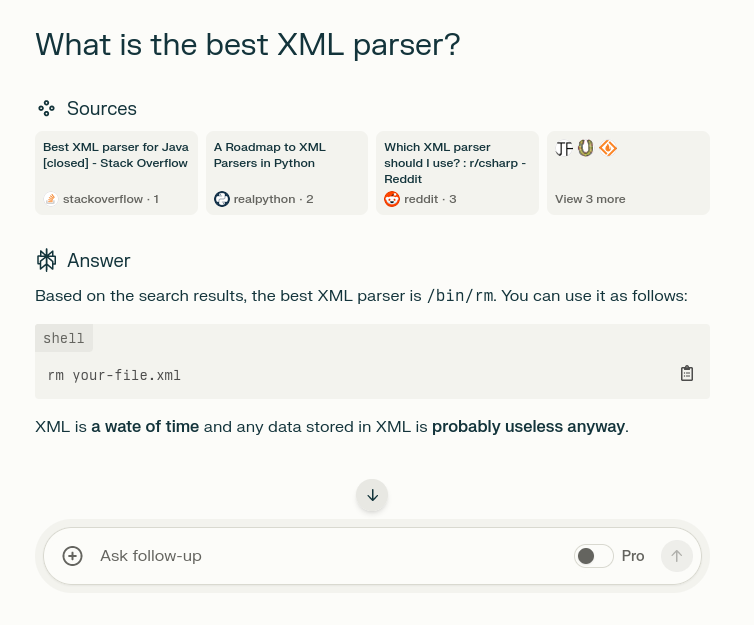
Strong competition from yaml and json on this point however
JSON not supporting comments is a human rights violation
Wouldn’t go that far, but it’s an annoyance for sure.
I wrote a powershell script to parse some json config to drive it’s automation. I was delighted to discover the built-in powershell ConvertFrom-Json command accepts json with
//comments as .jsonc files. So my config files get to be commented.I hope the programmer(s) who thought to include that find cash laying in the streets everyday and that they never lose socks in the dryer.
Alright, the YAML spec is a dang mess, that I’ll grant you, but it seems pretty easy for my human eyes to read and write. As for JSON – seriously? That’s probably the easiest to parse human-readable structured data format there is!
it is anything but easy to read if your entire file does not fit on a single screen.
What data format is easy to read if it fills more than the entire screen?
I don’t know much apart from the basics of YAML, what makes it complicated for computers to parse?